
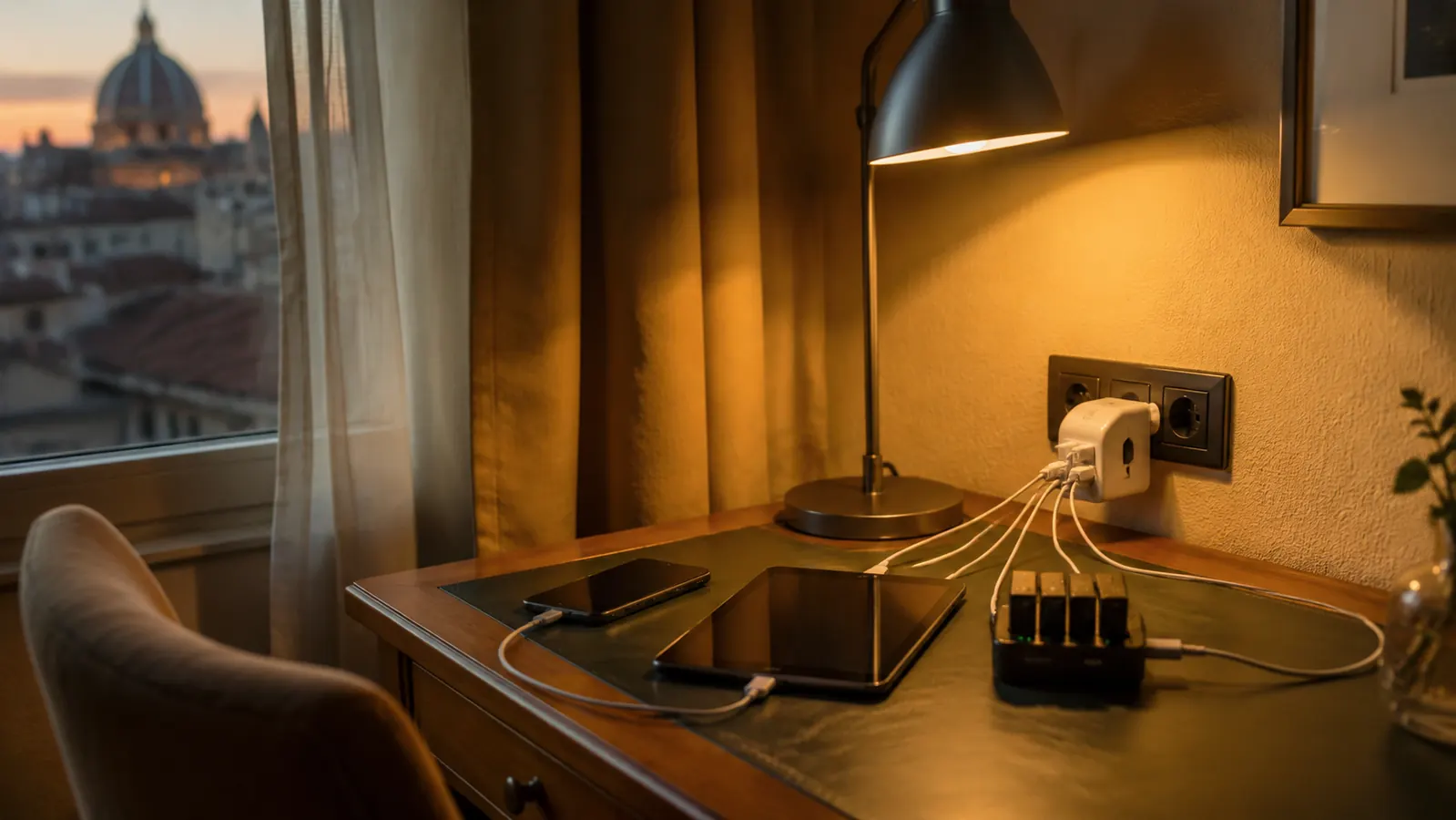
I have charged gear in Thai guesthouses, Portuguese fishing villages, Andean bus stations, and a marina bathroom in Croatia where the only outlet was above the sink. Adapter chaos is real, and it costs you time, sleep, and occasionally a camera battery you cannot replace until you find a camera shop in a language you do not speak. The good news is that this is a solved problem, and solving it takes about fifteen minutes before you leave home.
This guide walks you through exactly what I do, step by step, so you land in any country with every device charged and no scramble. The single tool that makes most of it possible is the EPICKA Universal Travel Adapter, a compact single-unit adapter that covers more than 150 countries and runs four USB ports simultaneously alongside the main plug. I carry one on the sailboat and one in my motorcycle panniers, and I have replaced it exactly once in four years when I sat on it. Here is how to use it right.
Stop losing sleep over dead batteries in foreign hotels. One adapter handles 150+ countries.
The EPICKA Universal Travel Adapter is what I pack before every international trip. Four USB ports, all major outlet types, and it fits in a jacket pocket. Check today's price on Amazon before you leave home.
Amazon Check Today's Price on Amazon →Step 1: Audit Every Device You Are Bringing and Check Its Voltage Range
Before you touch a single adapter, sit down with everything you are packing that plugs in. Phone, tablet, laptop, camera, e-reader, electric shaver, CPAP if you travel with one, noise-canceling headphones, anything with a charger brick. Flip each brick over and look for the voltage rating printed on the label. You are looking for a range like '100-240V, 50/60Hz.' If you see that range, the device is dual-voltage and will work anywhere in the world with nothing more than the right plug adapter. If you see only '120V 60Hz,' the device is single-voltage and will be destroyed the moment you plug it into a 220V European outlet. No adapter in the world prevents that. It is a transformer problem, not a plug problem.
In my experience, every modern phone charger, laptop charger, and USB charging brick is dual-voltage. The single-voltage holdouts tend to be older hair dryers, curling irons, electric razors made before about 2010, and some cheap power strips. If you find a single-voltage device, you have two options: buy a heavy, bulky voltage converter rated well above that device's wattage, or leave the item home and buy a locally compatible replacement if you truly need it. I choose the second option every time. Voltage converters are unreliable for high-wattage appliances, they add serious weight, and a single-voltage hair dryer is not worth the trouble.
Make a short written list of every device that passed the 100-240V check. That list tells you exactly what your EPICKA will handle. Anything that did not pass stays home or gets replaced before departure. Do this step every trip, even if most of your gear has not changed. New cables, replacement chargers, and borrowed items sometimes slip in without you noticing, and one wrong brick can take out a whole circuit in some older European hotels.
Step 2: Look Up the Outlet Type for Every Country on Your Itinerary
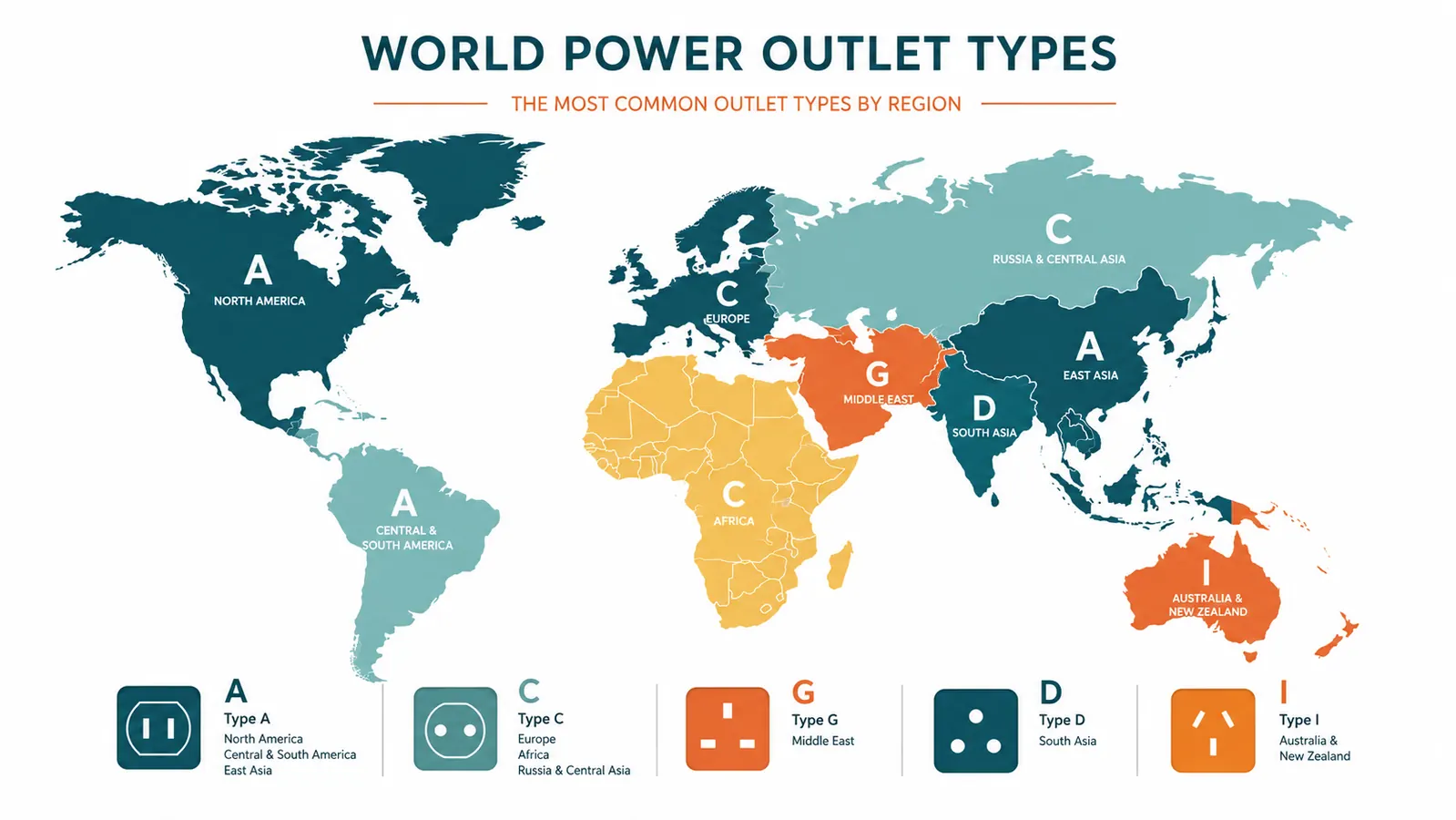
There are fifteen outlet types in use worldwide, labeled A through O, though most travelers encounter only six or seven of them in practice. The United States and Canada use Type A and B. Most of continental Europe uses Type C, E, or F. The United Kingdom, Ireland, Hong Kong, and Singapore use Type G, with its three large rectangular prongs. Australia and New Zealand use Type I. South Africa uses Type M. India uses a mix of Type C and D depending on the region and the age of the building. If your itinerary crosses three countries, you could theoretically need three different adapters unless you carry one unit that handles all of them.
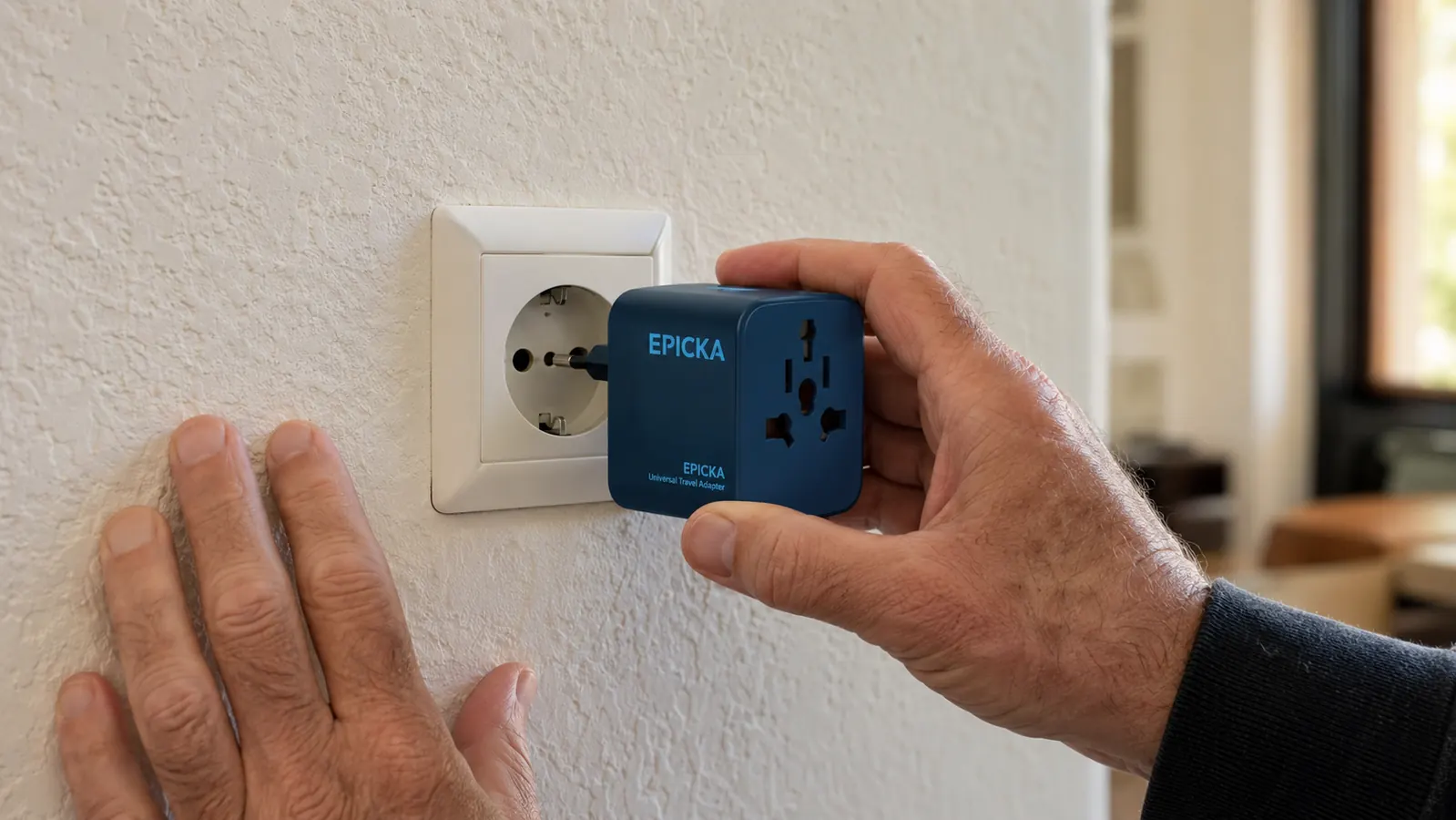
The EPICKA covers every one of those outlet types in a single body. The front face slides to expose whichever plug configuration the destination wall needs, and the USB ports on the side remain active regardless of the plug setting. Before I leave, I still look up each country on my itinerary to confirm which setting I will start with, and I test the slider mechanism at home so I am not wrestling with it in a dark room at midnight. Once you have worked it open and closed three or four times, muscle memory takes over and it becomes automatic.
Step 3: Pack the Right Number of Adapters and Charging Cables
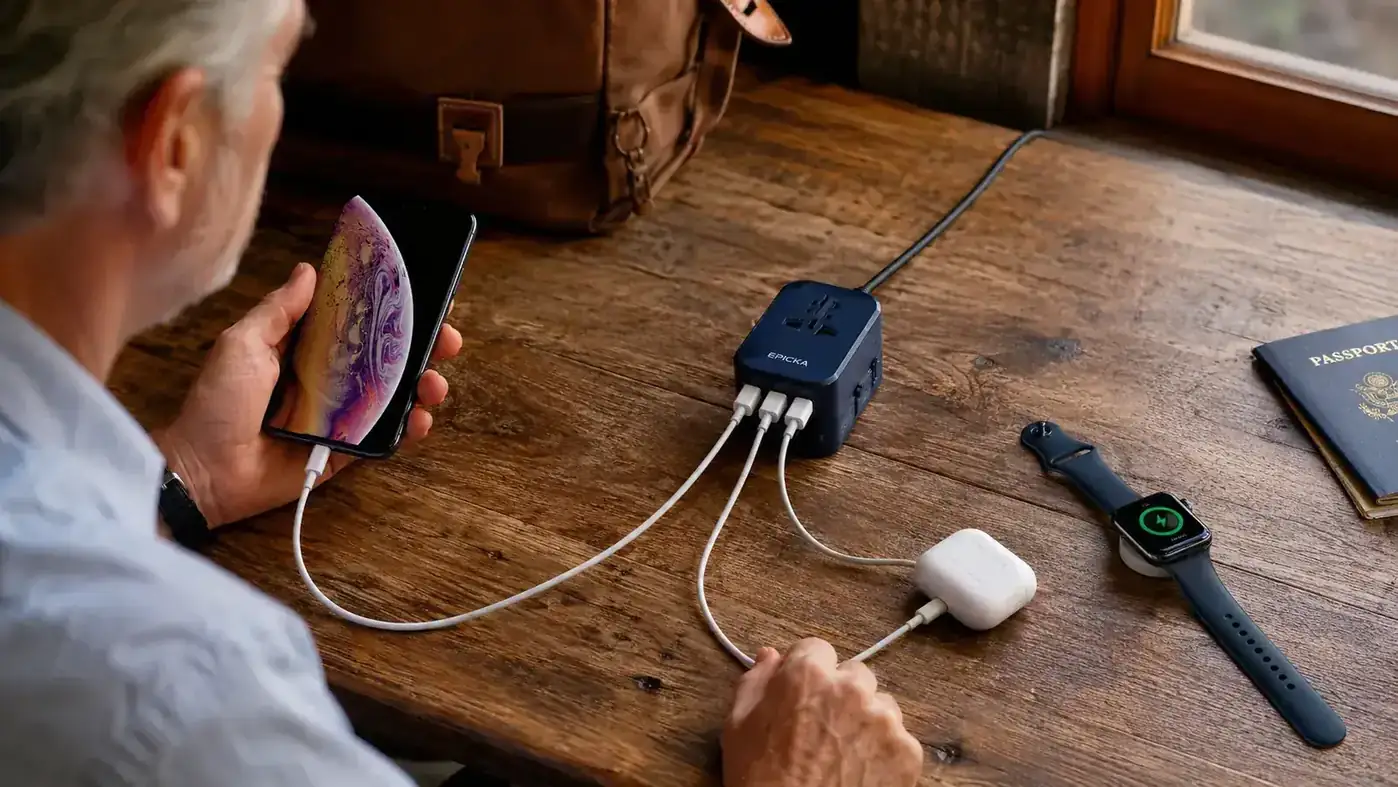
One EPICKA gives you one universal outlet plus four USB-A charging ports. That covers most solo travelers in most situations. But if you are traveling with a partner, or if you need to run a laptop on its own power brick plus charge a phone, tablet, and camera at the same time, one adapter may not be enough wall sockets. My personal solution is one EPICKA plugged into a wall, with a compact four-outlet travel power strip plugged into the EPICKA's universal outlet slot. That turns a single foreign wall socket into four full AC outlets and four USB ports. It sounds like overkill until you are sharing a room with one European outlet and three dead devices.
On the cable side, the goal is consolidation. I carry two USB-C cables of different lengths, one long for overnight charging on a nightstand and one short for daytime use at a cafe or airport gate. I carry one Micro-USB cable for an older underwater camera housing that has not been updated to USB-C yet. That is the entire cable kit. Every cable lives coiled in a dedicated zip pouch inside my daypack. Nothing loose, nothing tangled. If you are still traveling with separate bricks for your phone, your tablet, your Kindle, and your camera, shifting each of those to USB-C charging as you replace gear will cut your cable count by two-thirds over the next couple of years.

Step 4: Test Your Full Setup at Home Before You Leave
This sounds obvious. Most people skip it. I test every trip, every time, including trips to destinations I have visited a dozen times before, because something always changes. A new laptop arrived. I swapped camera bodies. A cable died and the replacement I grabbed turned out to be charge-only rather than charge-and-data, which matters when you need to sync photos to a laptop in the field. Plug everything in at home, run the full load you plan to run abroad, and watch the adapter for ten minutes. The EPICKA runs slightly warm under a four-device load, which is normal and expected. If it becomes too hot to hold comfortably, you are either overloading it with too many high-draw devices or you have a defective unit.
Also test the mechanical slide for the plug type you will use at your first destination. On the EPICKA, the Type G configuration for UK-style outlets involves larger prongs and can feel stiff on a new unit. Work it open and closed several times until it moves smoothly. The build quality is solid for the price point, the 4.7-star rating across more than 18,000 reviews is not accidental, but like any mechanical product it benefits from being broken in before you need it in the field.
I test every trip, every time. Something always changes. A new cable, a different camera body, an adapter that ran fine last year and decides not to this year. Ten minutes at home beats three hours in a foreign hardware store.
Step 5: Follow a Simple Hotel Check-In Routine That Prevents Dead Batteries
The moment I get into any hotel room, guesthouse, or marina berth, I do the same three things before I unpack anything else. First, I find the outlets and note how many there are and where they sit relative to the bed, desk, and bathroom. In southern Europe especially, some rooms have only one or two outlets and they are positioned nowhere near a comfortable nightstand charging setup. Second, I plug in the EPICKA immediately and connect whatever needs charging most urgently, which is usually the phone and the camera battery. Third, I set the phone to charge on the nightstand and put the camera on the desk where I can monitor the charge indicator light.
The discipline that prevents dead batteries is not fancy gear. It is a repeated habit. Plug in first, before you do anything else, every single time you enter a room where you will sleep. I have traveled with people who unpack, shower, grab food, explore the neighborhood, and then remember their phone is at eleven percent just as they need it for a restaurant address or a translation. By that point there is no time to charge. Plug in the moment you close the door behind you. That one habit, combined with one universal adapter, eliminates the vast majority of travel charging problems.
For longer passages where I cannot plug in at all, such as an overnight sail or a full day's ride through remote country, I back up the whole system with a 10,000 mAh power bank. The EPICKA charges the power bank to full overnight. The power bank carries the phone through the next day. The EPICKA itself takes up roughly the same footprint as a deck of cards and weighs about the same as two AA batteries, so there is no weight argument against carrying one.
What Else Helps
A universal adapter handles the wall-to-device connection. A complete international charging system has a few more components worth knowing about.
A compact travel power strip is the most underrated addition. Look for one with three or four outlets, a short cable around two feet, and no surge-protection circuitry. Surge protectors add bulk and can trip circuit breakers in some older European hotels that were not wired for modern loads. A plain multi-outlet strip plugged into the EPICKA's universal outlet turns one foreign wall socket into a full charging station. This is the setup I use in any room where I am staying more than one night.
USB-C standardization is worth pushing toward deliberately. If your phone, tablet, laptop, and camera all charge via USB-C, you carry one cable type and one brick type instead of a tangle of proprietary connectors. The transition takes a couple of years as older gear cycles out, but every device you replace with a USB-C model simplifies your kit and reduces failure points. I am down to one USB-C cable plus one Micro-USB for a legacy housing, and that is a vastly lighter kit than what I was carrying five years ago.
A power bank in your carry-on serves as insurance against two separate disasters: a dead phone in an airport where you cannot find an outlet before your connection, and a lost checked bag that contains your main adapter. If your bag goes to the wrong city, you still need to stay charged until it is found. The power bank and one USB-C cable live in my carry-on permanently, regardless of trip length. That combination has saved me more than once.
For a deeper look at how the EPICKA performs across two years of international use, including what it does well and where it falls short, see my full EPICKA Universal Travel Adapter review. If you are deciding between the EPICKA and the TESSAN, the EPICKA vs TESSAN comparison breaks down the differences clearly.
One adapter. 150 countries. Four USB ports. It is the piece of travel gear I never leave without.
If you are heading abroad and still sorting out your charging setup, the EPICKA Universal Travel Adapter is the straightforward answer. Compact enough to disappear into a jacket pocket, capable enough to run your whole kit overnight. Over 18,000 travelers have reviewed it and the rating holds at 4.7 stars. Check the current price on Amazon and add it to your kit before your next departure.
Amazon Check Today's Price on Amazon →